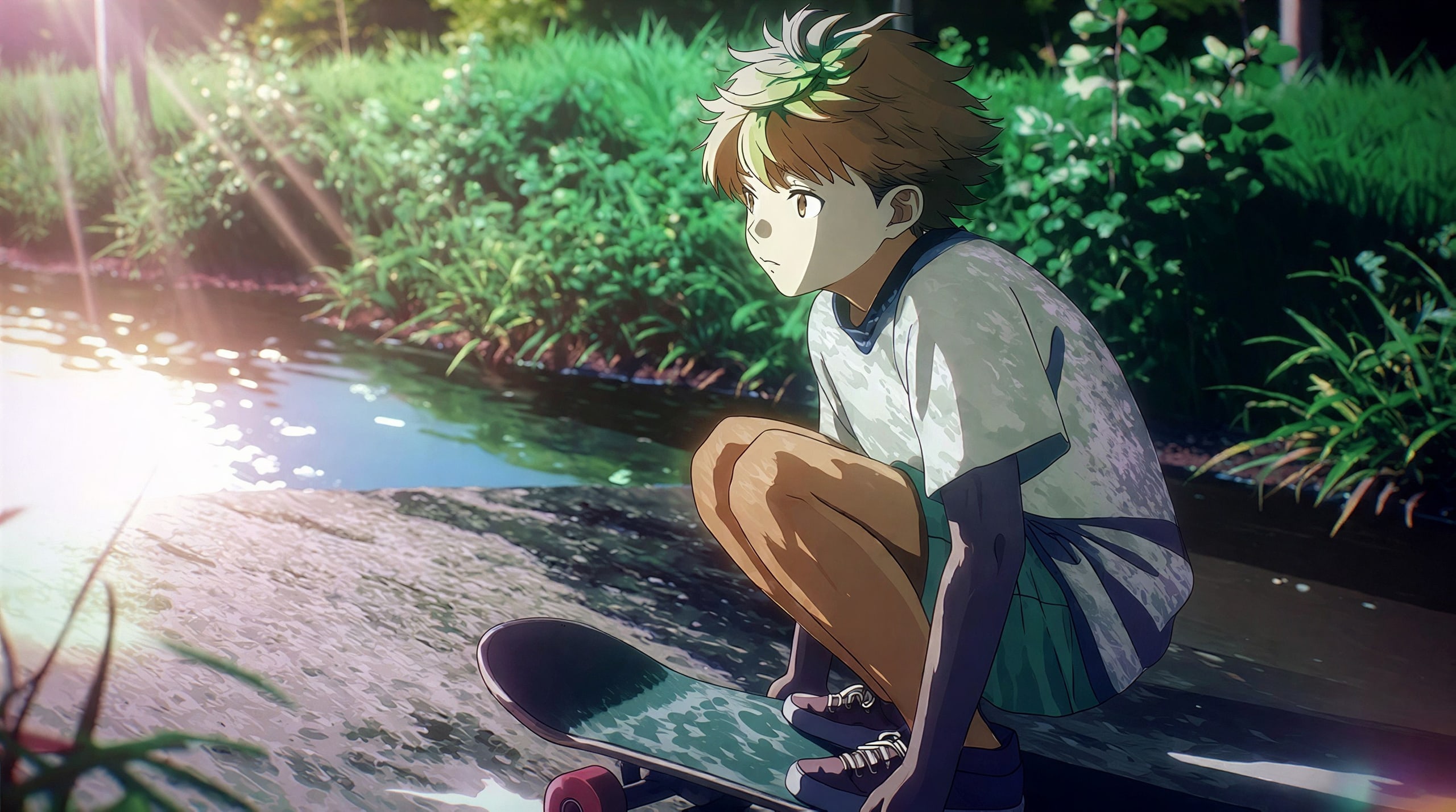
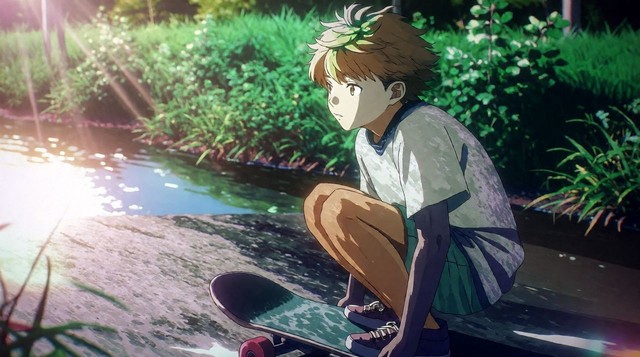
 Original · 640 pxUpscaled 4×
Upscale
Small image,
big and sharp.
2× or 4× bigger, up to 32 megapixels. New pixels are drawn in, not stretched.
- 32 MP
- maximum size
- < 1 min
- per image
- Library
- kept for you
- 1Bring your imageJPEG, PNG or WebP, from 256 px a side.
- 2Pick 2× or 4×You see the new size and the price first.
- 3Download itKept in your Library, ready to edit further.
What it costs
Priced on the size it makes, shown before anything runs. A failed upscale is refunded.
| Your image | 2× | 4× |
|---|---|---|
| 512 × 512 | 2 credits1,414 × 1,414 | 3 credits2,236 × 2,236 |
| 1,024 × 1,024 | 3 credits2,236 × 2,236 | 9 credits4,123 × 4,123 |
| 1,920 × 1,080 | 5 credits4,000 × 2,250 | 18 credits7,542 × 4,243 |
| 2,048 × 2,048 | 9 credits4,123 × 4,123 | 18 credits5,657 × 5,657 |
Questions
How big can it go?
2× or 4× the size you bring, up to 32 megapixels: about an 8K screen or an A3 print. An upscale always at least doubles the pixels, so an image already near that size can't go further.
Does it work on anime and illustration?
It’s set up for them: the detail pass is on and the photo-realism pass is off, so line art stays line art instead of picking up a photographic texture.
Is my original kept?
Always. The upscale is saved as a new version next to it, and you can go back to either one in the editor.
Is my image private?
Yes. It stays in your Library, and only goes public if you post it.
Which images can I use?
JPEG, PNG or WebP (HEIC too, where your browser opens it), at least 256 px on each side, no longer than 3:1, under 50 megapixels. Only images you made, own or may use.