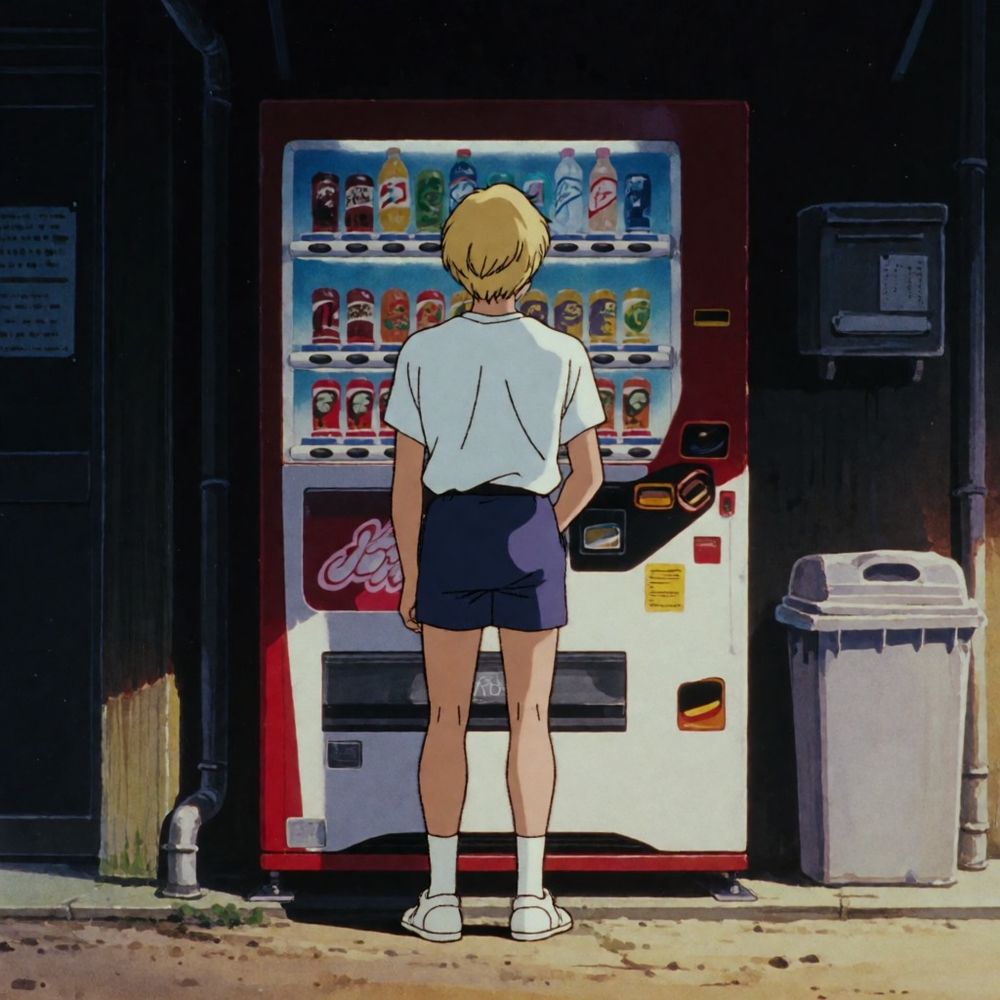
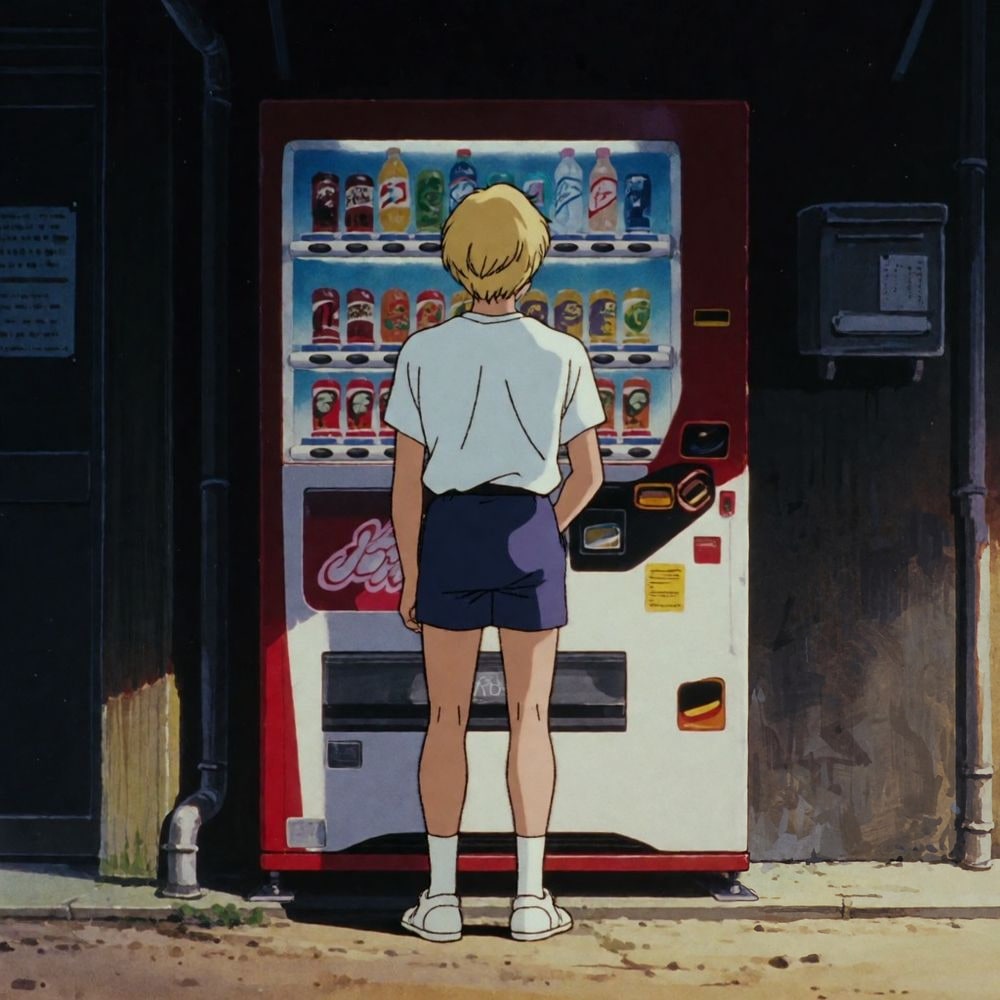
 Remove
Retouch
Change one thing,
keep the rest.
Paint over a spot, then remove it or say what it becomes. Everything else stays pixel for pixel.
- 1Bring your imageJPEG, PNG or WebP, from 256 px a side.
- 2Paint the spotRemove it, or say what it becomes.
- 3Keep the best takeTry again, undo, or go back to any version.
What it costs
1.5 credits a retouch, whatever the size of your image. Crop, colors and text are free. A failed retouch is refunded.
Questions
Does the rest of the image change?
No. Only the area you paint is sent, with a little of the scene around it, and the result is blended back through a soft edge. Outside the brush, every pixel stays the original’s.
What can I do with it?
Remove erases what you paint and fills the gap. Change turns the spot into what you describe: another outfit, an expression, something in a hand, sunglasses.
Can I undo?
Every retouch is saved as a new version, and your original is never overwritten. Undo, try again, or go back to any version.
What else is in the editor?
Crop, colors and text, free and instant in your browser, and Upscale for 2× or 4× more pixels.
Is my image private?
Yes. It stays in your Library, and only goes public if you post it.